Write and submit your work
Finish your response and send your teacher a saved submission. You need to be signed in and have already joined an assessment that is open for writing.
Start with an assessment you have already started.
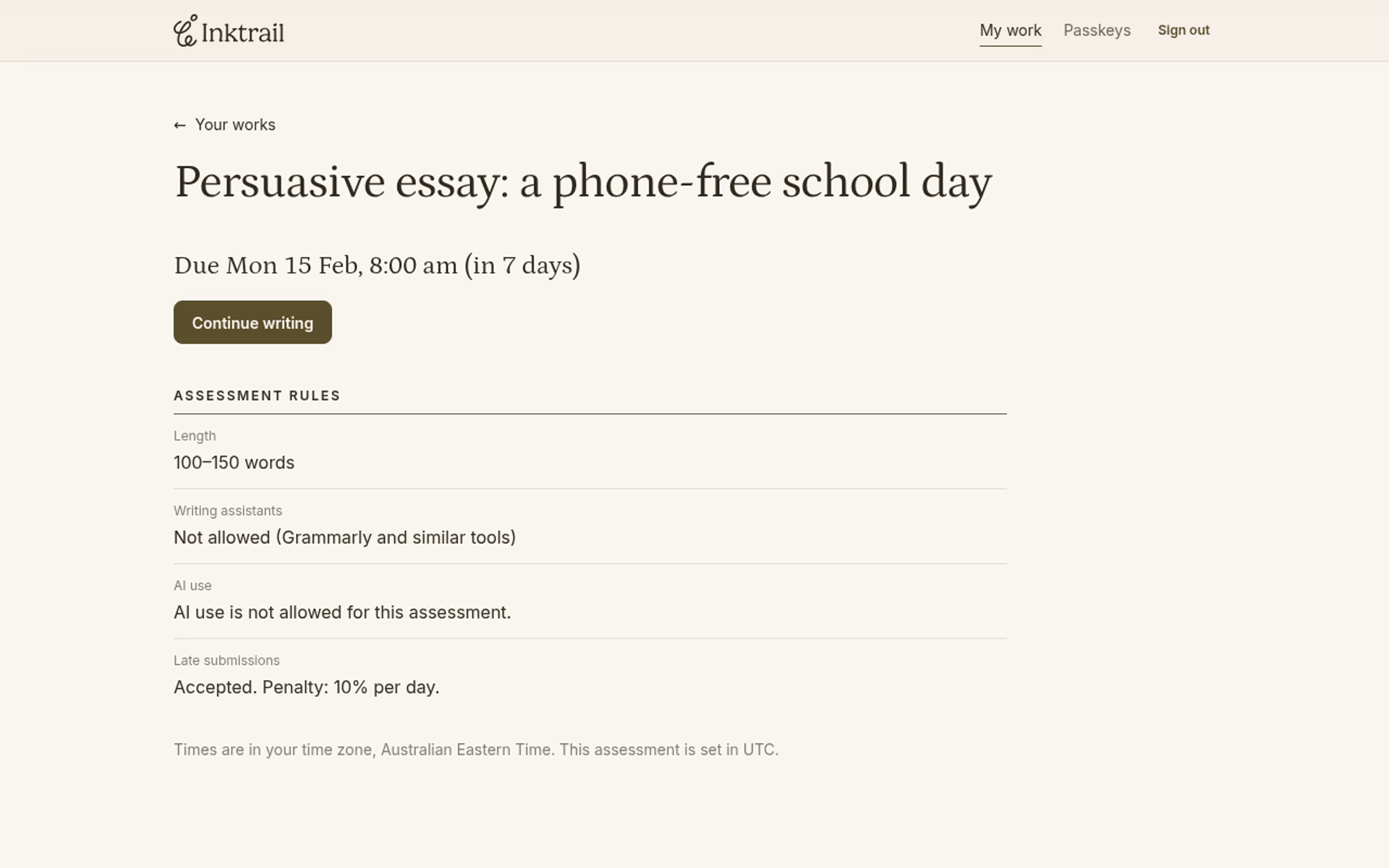
1. Open your work
On Your works, select the assessment name, then Continue writing.
2. Write and wait for Saved
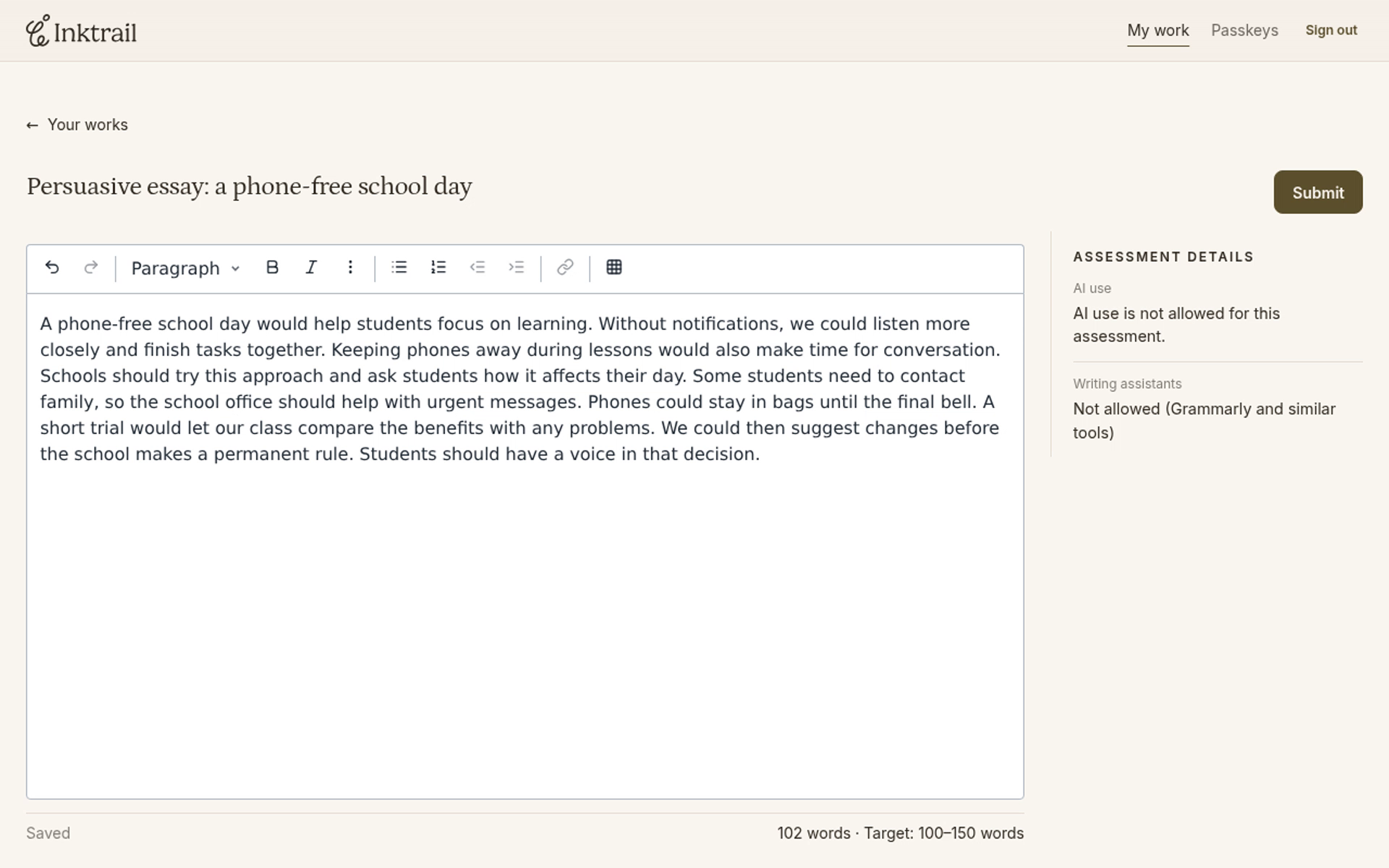
Write your response in the editor. Inktrail saves your changes automatically. Check the save status below the editor: wait for Saved before submitting. The word count beside it helps you check your teacher's target.
Saving is not submitting. When you are ready to hand in your work, use Submit.
3. Submit your response
Select Submit at the top of the editor. In the Submit your work? confirmation, select Submit again.
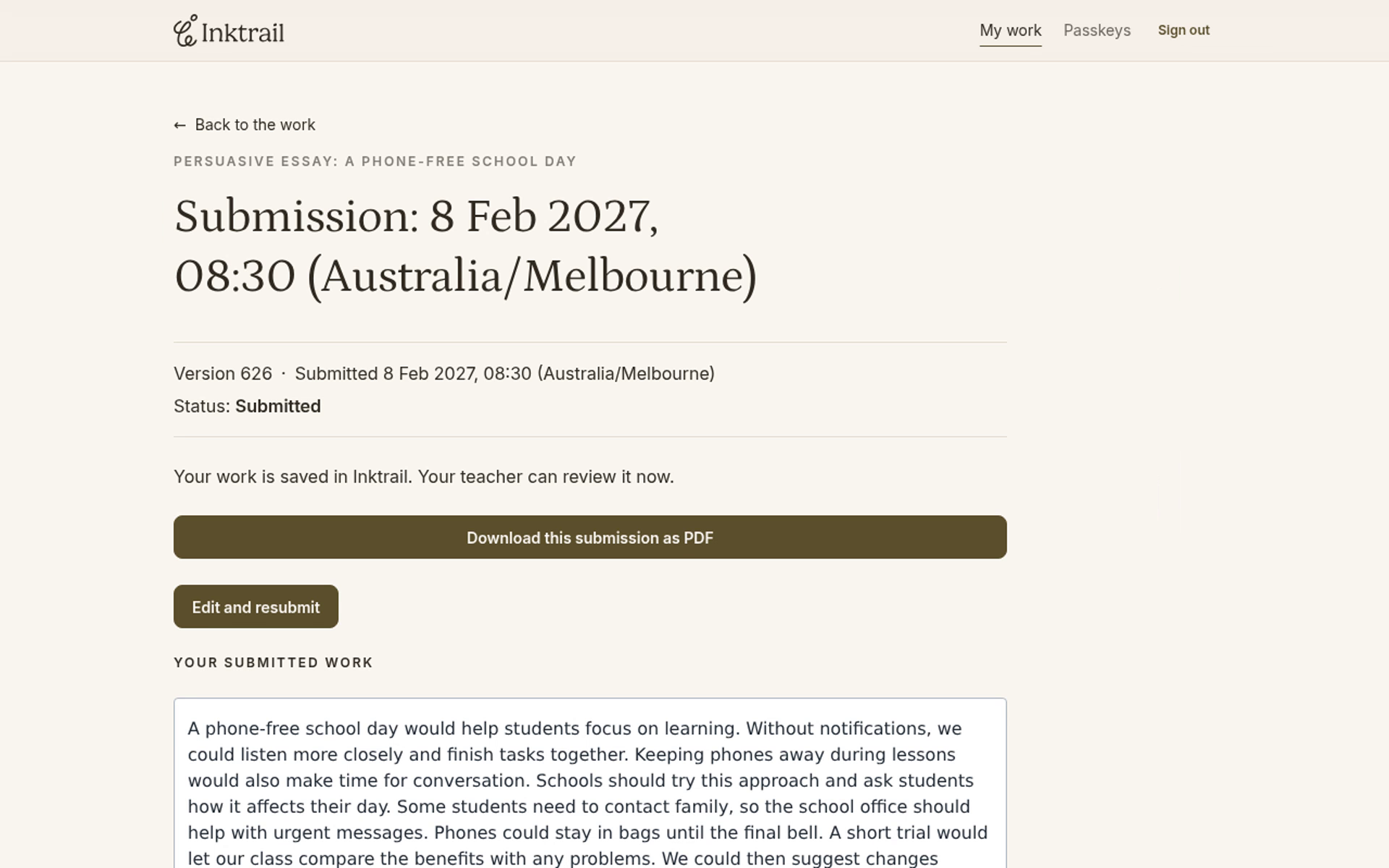
You arrive at your submission page. Check that the status is Submitted. It shows the saved version your teacher can review.